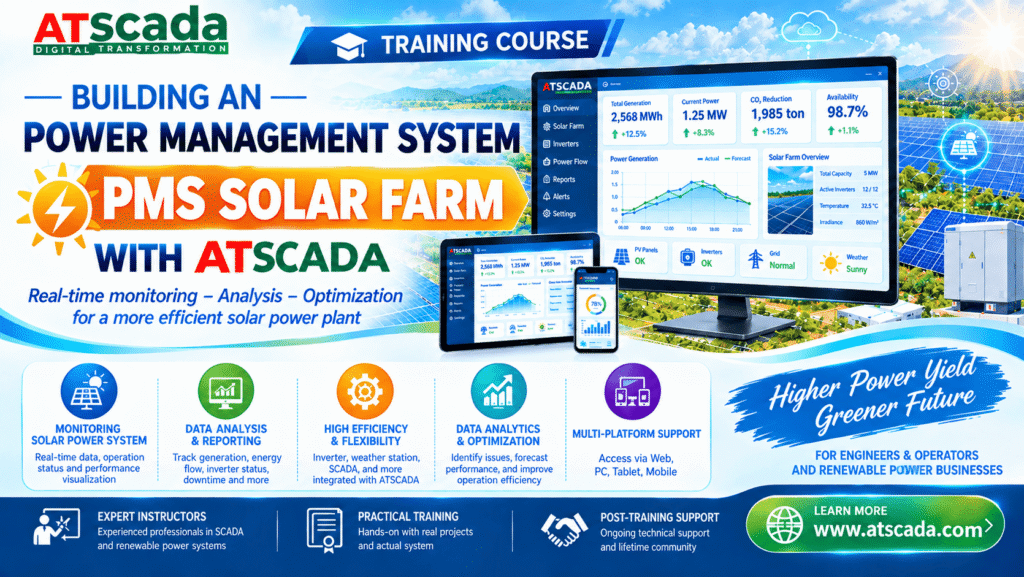
Training Course on Building PMS SOLAR FARM with ATSCADA

This training course helps students, technicians, and engineers in the field of electrical engineering and automation to enhance their knowledge and gain experience.

Duration: 1 Session – Learning Format: Online via Google Meet

We are giving away high-quality and multi-disciplinary ATSCADA training materials to our students.

sign up now

Why should you take the SCADA course at ATSCADA?

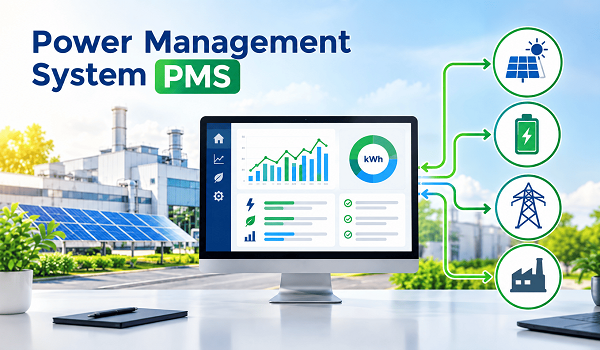
Power-management-system-Pms

ABOUT US

ATSCADA helps businesses grow further through comprehensive automation solutions.

ATSCADA Lab, a subsidiary of ATPro Corp, was formed and developed from the ATSCADA platform established in 2009, marking the beginning of our journey to build “Made in Vietnam” SCADA solutions. With a shared aspiration and long-term vision, we continuously research, develop, and refine core technology platforms, aiming to build a SCADA  software “empire”  with a distinct Vietnamese identity, capable of competing in regional and international markets.

Who should participate in the ATSCADA training course?

Many engineers struggle with SCADA systems because they rely solely on: Online tutorials that don’t require actual equipment –  ​​Disjointed documentation –  Outdated training methods

What was the result?  Slow progress, poor practical skills, and limited career advancement opportunities. ATSCADA has completely changed this.

Training Course Content: BUILDING A SOLAR FARM PMS SYSTEM WITH ATSCADA

From PLC programming to power monitoring, management, and web-based reporting.

How can you know how much electricity the solar power system is generating, how much the plant is consuming, and how BESS is supporting the system? This webinar guides you through building a complete demo, connecting data seamlessly from the EMKO PLC to ATDriverServer, a Windows Forms application, and a web interface.

Phase 1: PLC Programming & Data Connection

Create a data platform for the entire PMS system.

  • Logical simulation: Ladder programming simulates solar power, factory load, grid power, and BESS charge/discharge operations.
  • Modbus connection: Configure EMKO PLC with ATDriverServer, declare and test Tags.

Comparing data: Understanding the relationship between power generation, power consumption, and power exchanged with the grid.


Phase 2: Building a visual SCADA interface on the Web.

Transforming system diagrams into a user interface helps operators quickly understand the situation.

  • Designed using Fastweb Designer & iSVGEditor: Displays PV array, inverter, BESS, grid power, and plant on a single diagram.
  • Real-time data mapping: Attach tags to display device parameters, status, and alerts.

Illustrating energy flow: Use pre-made animations to show the power path and charging/discharging state.

Phase 3: Power Calculation & Data Mining

Transform monitoring data into information for operational management.

  • iEnergyTools application: Configure energy and cost calculation components on Windows Forms.
  • Area-by-area monitoring: Track the power, energy, radiation, and temperature of the solar panels.

Data Storage & Reporting: Write data to the database, view charts, and export Excel reports using ATSCADA components.

Phase 4: Demonstrating real-world operational problems

Observe how the system responds to common situations.

  • Zero Export: Limits the amount of electricity generated and fed back into the grid.
  • BESS & Peak Shaving: Illustrating energy storage and support for reducing grid power drawdown during load increases.

Changes in operating conditions: Monitor the impact of cloud cover, dust, and load fluctuations.

After the training, participants will understand how to build a comprehensive PMS demo and have a foundation for developing energy monitoring solutions for factories. The content is suitable for PLC/SCADA engineers, system integrators, implementation partners, and businesses exploring energy management solutions.

Power-management-system-Pms